Change ESXi 5 iSCSI iqn with esxcli
After my previous post about getting the iqn of an ESXi using esxcli Andy Banta (@andybanta) commented on Twitter that you can also change the iqn of the host with esxcli.
As he said it would be tremendously useful if you need to physically replace the server and don’t want to modify all your storage infrastructure, it’s easier to just modify the iqn of the new server and set it to the old name.
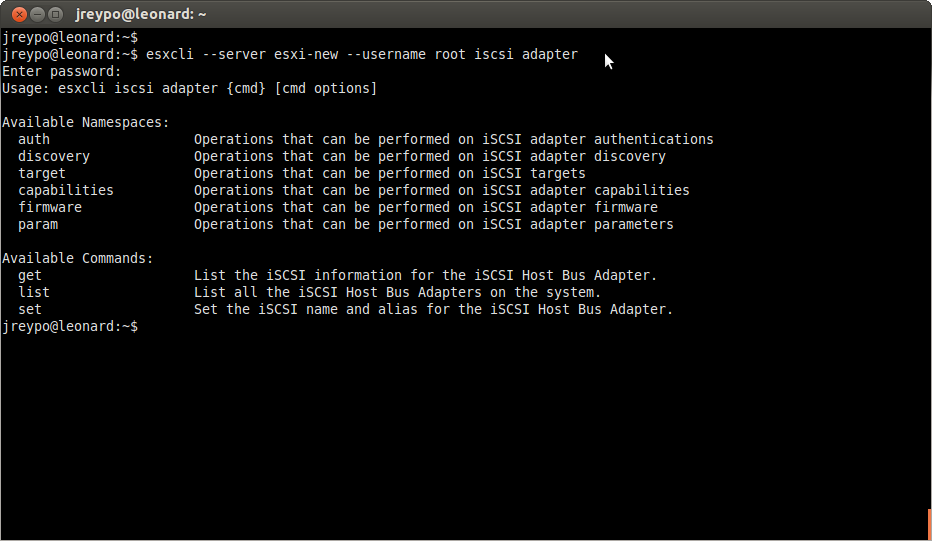
The task is as easier as the one described in last post. Using esxcli command with the iscsi namespace you can change the name and the alias of the adapter.
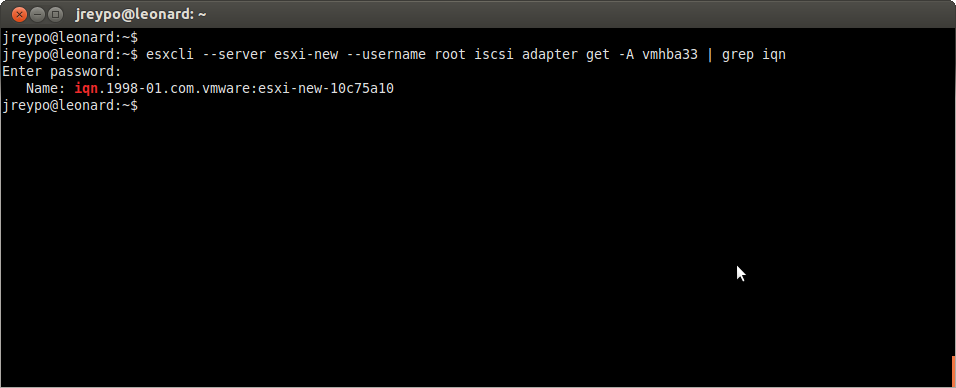
As a precaution first retrieve the current iqn to check that it’s the correct server.
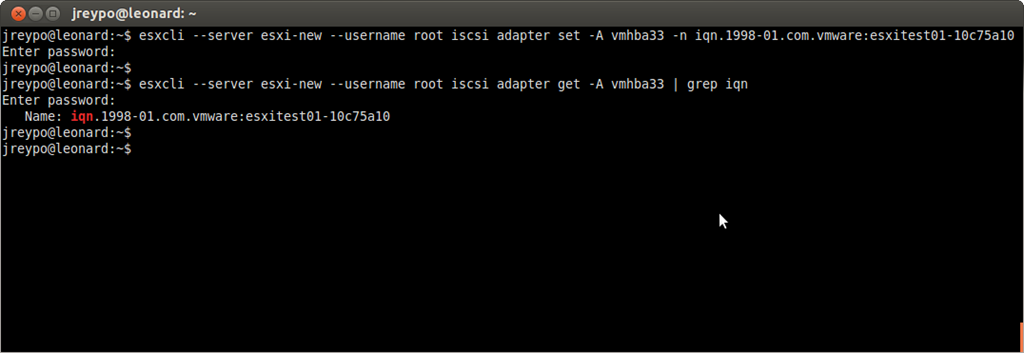
To change the name you have to provide the adapter and the new name.
Hope you find this useful, any comments and suggestions are welcome as always.
Juanma.