How to create customized configurations for esxtop/resxtop
One of features I like the most of esxtop/resxtop is the ability to create customized configurations. This feature gives you the ability to have several pre-defined configuration files to be used under certain circumstances, for example you can have one only to check if there are virtual machines swapping during a heavy workload period.
The post will cover esxtop 4.x, the version that comes with vSphere 4.x, however it can be applicable to previous versions as well. First it’s important to know that by default esxtop/resxtop stores its configuration in the file .esxtop4rc, in the vMA appliance this file is stored in the vi-admin user home directory and in the root home directory in the ESX(i) servers.
Now lets create one as an example. I’m using resxtop from the vMA so first launch it against the vCenter Server and select one of the ESX(i) hosts.
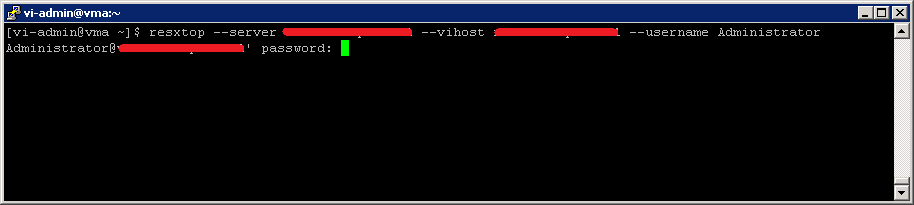
Now you should see the default esxtop screen. We are going to create a configuration that show only some of the memory related counters.
Show the memory screen by pressing m and from there press f to edit the fields to display.
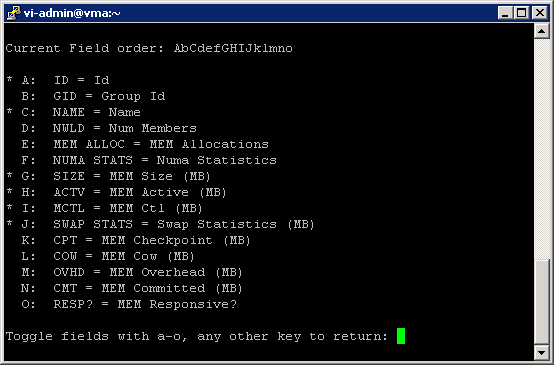
Press the corresponding keys to enable/disable the fields and a or o keys to toggle its order, then press the space bar to finish. Next esxtop returns the memory view and show the newly selected counters.
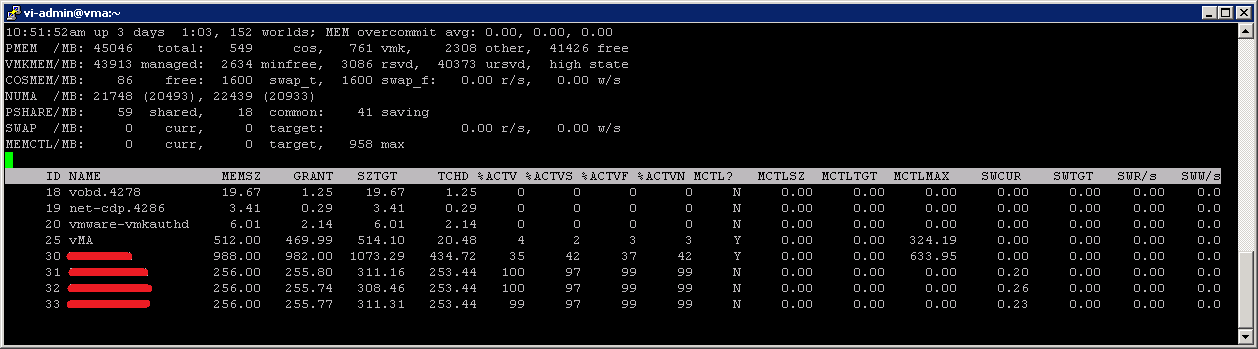
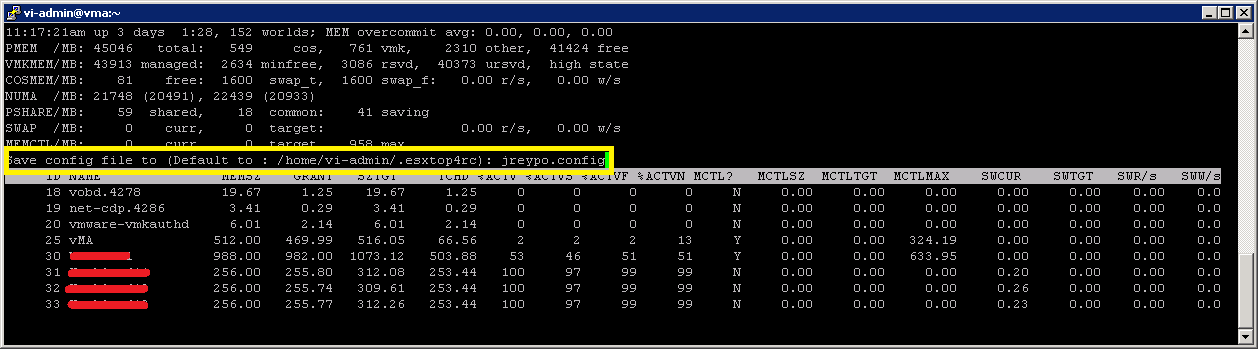
At this point you can customized the field to display in the other views (CPU, network, etc). When you are done press W to save the config and enter the file name to save the new config in. If you don’t enter a file name esxtop will save the changes in its default config file, /home/vi-admin/.esxtop4rc in the example.
Exit esxtop and run it again but loading the saved config file, instead of the default one, by using -c <config_file>.

Finally my advise is to read carefully the Interpreting esxtop 4.1 Statistics document and use the counters that better suits your needs.
Juanma.